How to Register on VM Blast: Step-by-Step Guide for Filipino Players
What You Need Before You Start
Before you begin the VM Blast register process, make sure you have three things ready on your phone:
Age requirement: 21 years old and above. VM Blast only accepts players who are at least 21 years old. This is a legal requirement, and your account will not be approved if you're underage.
Valid Philippine ID. You'll need a government-issued ID for verification. Accepted documents include your passport, driver's license, UMID, PhilSys ID, SSS ID, or postal ID. Make sure the ID is not expired and that the photo and text are clear.
Philippine mobile number. Registration requires a local mobile number that can receive SMS. This number will be tied to your account for login and security.
It helps to have a stable internet connection during sign-up. Most players complete VM Blast registration in under five minutes if all their documents are ready.
Remember: Online gambling is restricted to adults 21 and over. If you feel that gambling is affecting your finances or well-being, seek help or set limits on your play.
Step-by-Step Walkthrough of the VM Blast Registration Form on Mobile
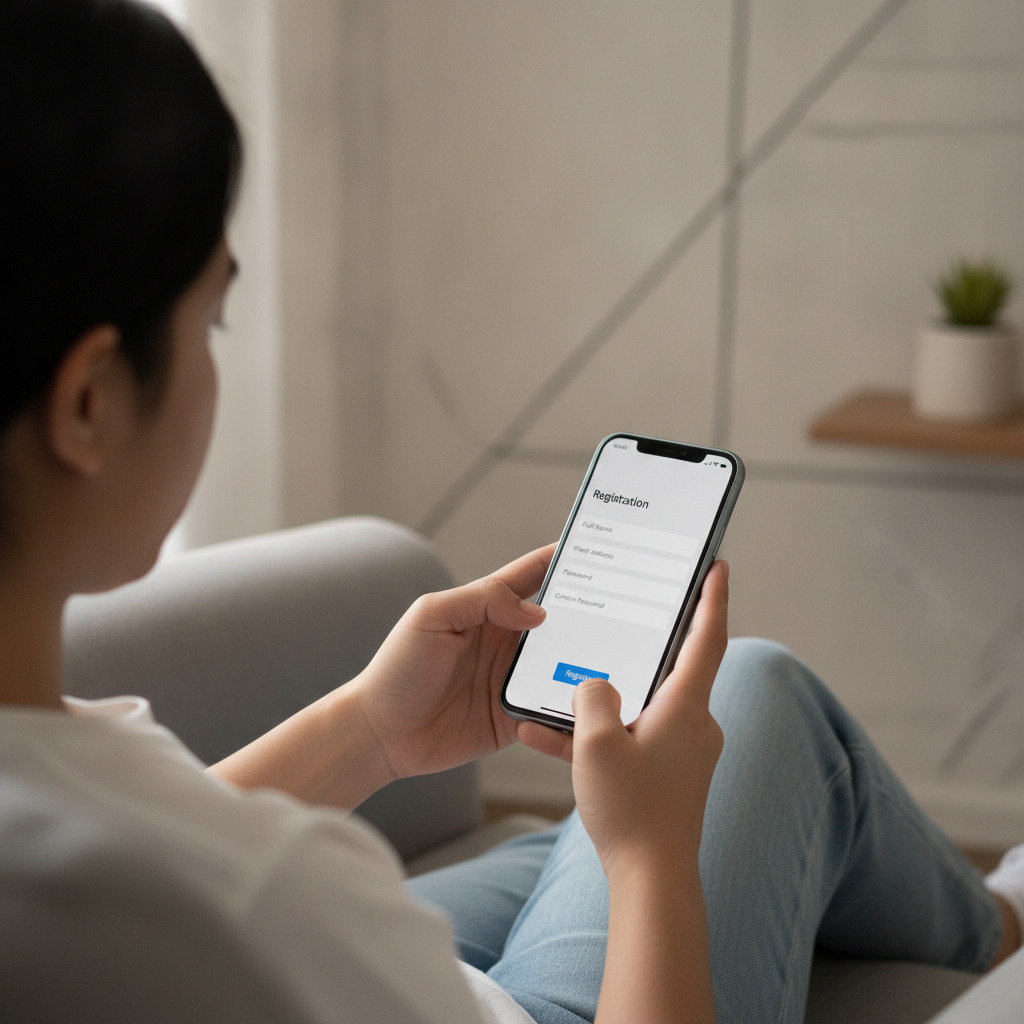
VM Blast is built for mobile-first players, so the registration process is straightforward on Android phones. Here's how to create your account:
Step 1: Open the VM Blast website
Use your mobile browser (Chrome, Firefox, or any browser on your phone) and go to the VM Blast homepage. Look for the "Register" or "Sign Up" button, usually found in the top-right corner or as a prominent call-to-action on the landing page.
Step 2: Fill in your personal details
The VM Blast register form will ask for the following:
- Full name (as it appears on your ID)
- Date of birth (to confirm you're 21 or older)
- Mobile number (Philippine +63 format)
- Email address
Make sure every detail matches your ID exactly. Any mismatch between your registration info and your ID can delay verification or cause your account to be rejected.
Step 3: Create your username and password
Pick a unique username and a strong password. Your password should include a mix of uppercase and lowercase letters, numbers, and symbols. Write it down or save it in a secure place—you'll need it every time you VM Blast login.
Step 4: Select your currency
Choose PHP (Philippine Peso) as your account currency. Once set, you typically cannot change it, so double-check before proceeding.
Step 5: Agree to terms and confirm you're 21+
You'll see checkboxes asking you to confirm that you're at least 21 years old and that you agree to VM Blast's terms and conditions. Read through the terms if you have time—they cover account rules, responsible gambling policies, and privacy.
Step 6: Submit the form
Tap "Register" or "Create Account." You should receive an SMS or email with a verification code. Enter that code on the next screen to verify your mobile number and email.
Once verified, your VM Blast account is created—but it's not fully active yet. You'll need to complete ID verification before you can make a deposit or place bets.
ID Verification Process: What Documents Are Accepted and How Long It Takes
After you register on VM Blast, the platform will prompt you to upload proof of identity. This step is required by Philippine regulations and helps keep the site secure.
Accepted documents
VM Blast typically accepts the following Philippine government-issued IDs:
- Passport
- Driver's License
- Unified Multi-Purpose ID (UMID)
- PhilSys ID (National ID)
- Social Security System (SSS) ID
- Postal ID
- Professional Regulation Commission (PRC) ID
Some players are also asked to submit a selfie holding their ID next to their face. This helps VM Blast confirm that the person registering matches the ID photo.
How to upload your ID
- Take a clear, well-lit photo of your ID. Make sure all four corners are visible and that the text and photo are easy to read.
- If asked, take a selfie holding the ID beside your face.
- Go to the "Account" or "Verification" section in your VM Blast account.
- Upload the photo(s) using your phone's camera or gallery.
- Submit for review.
How long does verification take?
Most players report that VM Blast ID verification is completed within 24 to 48 hours. During busy periods (weekends or holidays), it may take a bit longer. You'll receive a notification by email or SMS once your account is verified.
Until verification is complete, you won't be able to deposit funds or play. If your documents are rejected, VM Blast will usually tell you why—common reasons include blurry photos, expired IDs, or name mismatches.
Common Registration Errors and How to Avoid Them
Many Filipino players run into small mistakes during the VM Blast register process. Here's how to avoid the most common issues:
Name doesn't match ID
If you enter "Juan Dela Cruz" but your ID says "Juan D. Cruz Jr.," your verification may be delayed. Always type your name exactly as it appears on your ID, including middle initials, suffixes, and spacing.
Wrong birthdate format
Some forms use MM/DD/YYYY, others use DD/MM/YYYY. Double-check the format and make sure your birthdate is entered correctly—errors here can make the system think you're underage.
Mobile number already registered
Each mobile number can only be tied to one VM Blast account. If you get an error saying your number is already in use, you may have registered before and forgotten. Use the "Forgot Password" option or contact VM Blast support to recover your account.
Blurry or incomplete ID photo
Take your ID photo in good lighting. Avoid shadows, glare, or cropping out any part of the card. If the verification team can't read your ID, they'll reject it and you'll have to resubmit.
Using a VPN or foreign IP address
VM Blast serves players in the Philippines. If you're using a VPN that shows you in another country, registration or login may be blocked. Turn off your VPN and use your regular Philippine mobile data or Wi-Fi.
Email typo
A single wrong letter in your email means you won't receive your verification code or account updates. Before submitting, reread your email address carefully.
If you encounter an error message you don't understand, take a screenshot and reach out to VM Blast customer support through live chat or the contact page. They can usually resolve registration issues quickly.
Responsible Gambling Reminder and Next Steps After Account Approval
VM Blast is for players 21 years and older. Gambling should be entertainment, not a way to make money or solve financial problems. Set a budget before you play, and never deposit more than you can afford to lose. If gambling starts to feel stressful or out of control, consider taking a break or using self-exclusion tools.
What to do after your account is approved
Once VM Blast verifies your ID and approves your account, you're ready to move forward:
- Make your first deposit. VM Blast accepts deposits via GCash, Maya, bank transfer (InstaPay and PESONet). Minimum deposits typically start around PHP 100, making it accessible for casual players.
- Explore the games. Browse the slots library, try a live dealer table, or check the sportsbook for PBA and NBA lines. Many games let you view rules and paytables before you bet.
- Set a deposit limit (optional). Some players like to set a weekly or monthly deposit cap in their account settings. This is a smart way to stay in control.
- Log in securely. Each time you VM Blast login, make sure you're on the official site. Bookmark the homepage to avoid phishing scams.
VM Blast offers slots, jackpot games, live casino tables with real dealers, sports betting on basketball and volleyball, and bingo. Minimum bets vary by game, but many slots accept wagers as low as PHP 1 per spin.
If you're new to online casinos, start small. Try a few spins on a slot or a single live dealer hand to get comfortable with how the platform works. Once you're confident with the VM Blast login process, depositing, and game rules, you can explore more.
Need more help? This guide covers registration and account setup. For deposit walkthroughs, game tutorials, and minimum bet details, check the other guides on VM Blast Guide PH.
Play responsibly. You must be 21 or older to register and play on VM Blast.