VM Blast Account Verification: How to Submit Your ID and Get Approved
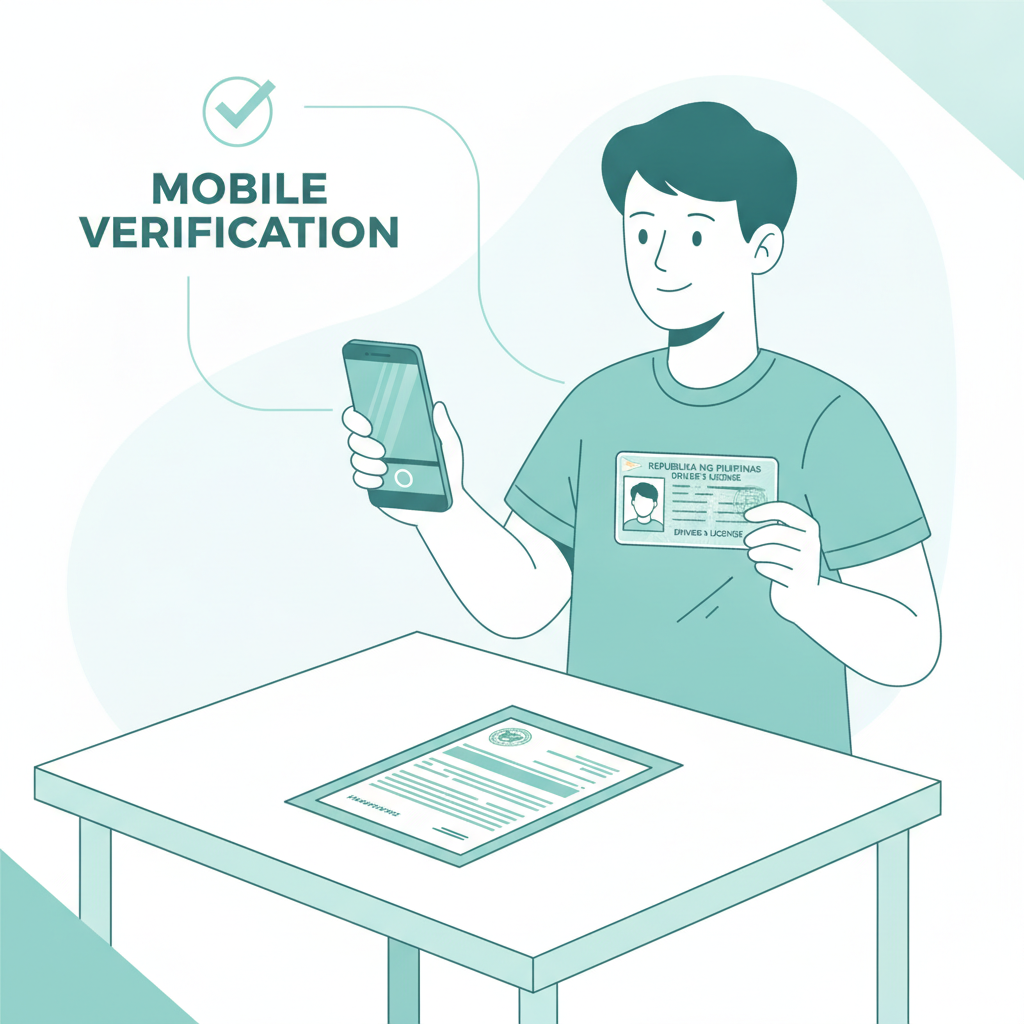
Why VM Blast Requires ID Verification for Filipino Players
After you complete VM Blast register and log in for the first time, the platform will ask you to verify your identity before you can withdraw winnings. This process—often called Know Your Customer or KYC—is standard across online casinos and sportsbooks operating in the Philippines.
VM Blast uses ID verification to confirm two things: that you are at least 21 years old, and that the account belongs to the person who registered it. Players must be 21 years or older to use VM Blast. This age check helps the platform comply with local regulations and prevents underage gambling.
Verification also protects your account. If someone tries to access your balance or change your GCash or Maya wallet details, VM Blast can compare the request against your verified documents. Think of it as an extra lock on your account and your funds.
You can browse games and place small bets before verification, but you will not be able to withdraw peso winnings until VM Blast approves your documents. Most Filipino players verify their account right after their first deposit to avoid delays later.
Accepted Documents: Government-Issued IDs, Selfie Verification, Proof of Address
VM Blast accepts the same government-issued IDs you use for GCash or bank account applications. You will need one primary photo ID and, in some cases, a selfie holding that ID and proof of your address.
Primary Photo ID
Choose any valid, government-issued ID that shows your full name, date of birth, and photo. Common options include:
- Philippine passport (bio page)
- UMID (Unified Multi-Purpose ID)
- Driver's license (front and back)
- SSS ID or GSIS ID
- Postal ID
- Voter's ID
- PRC ID (Professional Regulation Commission)
- PhilHealth ID
- National ID (PhilSys)
The ID must be current and not expired. If your driver's license or postal ID shows an expiry date that has passed, VM Blast may reject it and ask for a different document.
Selfie Verification
Some players are asked to upload a selfie holding their ID next to their face. VM Blast uses this step to confirm that the person in the ID photo matches the person who opened the account. Take the selfie in good lighting—natural daylight near a window works well—and make sure both your face and the text on the ID are clear.
Proof of Address
VM Blast may request a recent utility bill, bank statement, or government notice that shows your full name and current address. This document should be dated within the last three months. Acceptable proofs include:
- Electric bill (Meralco, local electric cooperative)
- Water bill
- Internet or mobile-phone bill (PLDT, Globe, Smart, Converge)
- Bank statement (printed or downloaded PDF)
- Barangay certificate of residency
Not every player is asked for proof of address during first-time verification. VM Blast typically requests it when your withdrawal amount is higher or when your registered address differs from the name on your GCash or bank account.
Step-by-Step: Uploading Your ID Photos from Your Android Phone
Most VM Blast players in Metro Manila and the provinces verify their accounts on Android phones. The upload process is straightforward, but taking clear photos is important—blurry images or cropped corners are the most common reasons for rejection.
1. Log In and Navigate to Account Verification
- Open the VM Blast app or website on your phone and complete your VM Blast login.
- Tap the menu icon (three lines) in the top corner.
- Select Account or Profile, then look for Verification, KYC, or Submit Documents.
If VM Blast has not yet prompted you to verify, you can usually start the process manually from your account settings.
2. Prepare Your ID
Find your chosen government-issued ID. Lay it flat on a dark or solid-colored surface—avoid busy patterns that make the edges hard to see. Good lighting is critical: move near a window during the day or use a bright indoor light at night.
Do not use flash if it creates glare on plastic IDs. If your driver's license or UMID has a shiny laminate, tilt the card slightly so the camera does not capture a white reflection over your photo or name.
3. Take the Photo
Open your phone's camera app (or use the in-app camera if VM Blast provides one):
- Hold the phone directly above the ID, keeping it parallel and about 20–30 cm away.
- Frame the entire card so all four corners are visible. Do not crop the edges.
- Tap to focus on the text. Wait for the camera to sharpen before you press the shutter.
- Check the image in your gallery. Zoom in to confirm that your name, birth date, and ID number are readable.
If your ID has a back side with important details—such as a driver's license showing your address or restrictions—take a second photo of the back.
4. Upload Each File
Return to the VM Blast verification page:
- Tap Choose File or Upload next to "Primary ID (Front)."
- Select the photo from your gallery.
- If required, repeat for "Primary ID (Back)," "Selfie with ID," and "Proof of Address."
- Double-check that each image is clear and correctly oriented (not sideways or upside down).
5. Submit for Review
Once all required documents are uploaded, tap Submit or Send for Verification. VM Blast will display a confirmation message and may send an email to the address you used during VM Blast register. You can now close the page; the support team will review your documents in the background.
How Long Verification Takes and What to Do If Your Documents Are Rejected
VM Blast typically reviews ID submissions within 24 to 72 hours on business days. Many Filipino players receive approval within one day, especially if they upload documents in the morning. Weekends and public holidays can add an extra day or two.
You will receive an email or in-app notification when your account is approved. After approval, you can request withdrawals to your GCash, Maya, or bank account through InstaPay or PESONet without restrictions.
If VM Blast Rejects Your Documents
Common rejection reasons include:
- Blurry or low-resolution photos: Text and photos must be sharp.
- Expired ID: Check the validity date on your driver's license or postal ID.
- Cropped edges or missing corners: The full card must be visible.
- Glare or shadows covering critical information.
- Wrong document type: For example, uploading a company ID or school ID instead of a government-issued ID.
- Name mismatch: The name on your ID must match the name you entered during VM Blast register.
If your submission is rejected, VM Blast will send an email explaining which document needs to be replaced. Log back in, go to the verification section, and upload a new photo following the tips above. You can resubmit as many times as needed—there is no penalty for trying again.
Name or Birth-Date Corrections
If you made a typo when you registered—for example, you wrote "Juan" but your ID says "John"—contact VM Blast support through live chat or email before you upload documents. The team can update your profile so it matches your ID. Trying to verify with mismatched details will always fail.
Tips for a Smooth Verification Process
- Verify early: Submit your documents right after your first PHP deposit. This way, you will not face delays when you want to withdraw.
- Use natural light: A bright room or daylight from a window gives the clearest photos.
- Double-check spelling: Make sure the name and birth date you entered during registration match your ID exactly.
- Keep your ID valid: Renew an expired driver's license or postal ID before you try to verify.
- One ID is usually enough: Most players only need a driver's license or UMID. Save your passport or additional proofs for cases where VM Blast asks for more.
Responsible Gambling Note: Verification Protects Your Account and Ensures Legal-Age Play
VM Blast account verification is more than a technical step—it is a safeguard that confirms only players 21 years or older can bet real pesos on slots, live dealer tables, PBA, NBA, volleyball, and bingo. Age verification helps prevent underage gambling and keeps the platform accountable.
Verification also protects your deposits and winnings. If you ever need to recover your account or dispute a transaction, VM Blast can use your verified documents to confirm your identity and restore access.
Remember: Online gambling should remain a form of entertainment, not a way to make money. Set a budget for your deposits—many Filipino players start with PHP 100 to PHP 500—and never bet more than you can afford to lose. If you feel that gambling is affecting your finances or daily life, take a break or reach out to a responsible-gambling helpline.
By completing VM Blast account verification, you unlock full access to withdrawals and ensure your account is secure. Follow the steps above, upload clear photos from your Android phone, and you will typically receive approval within one to three business days.
VM Blast is for players aged 21 and over only. Gamble responsibly.