VM Blast Deposit Guide: Using Maya and InstaPay for Filipino Players
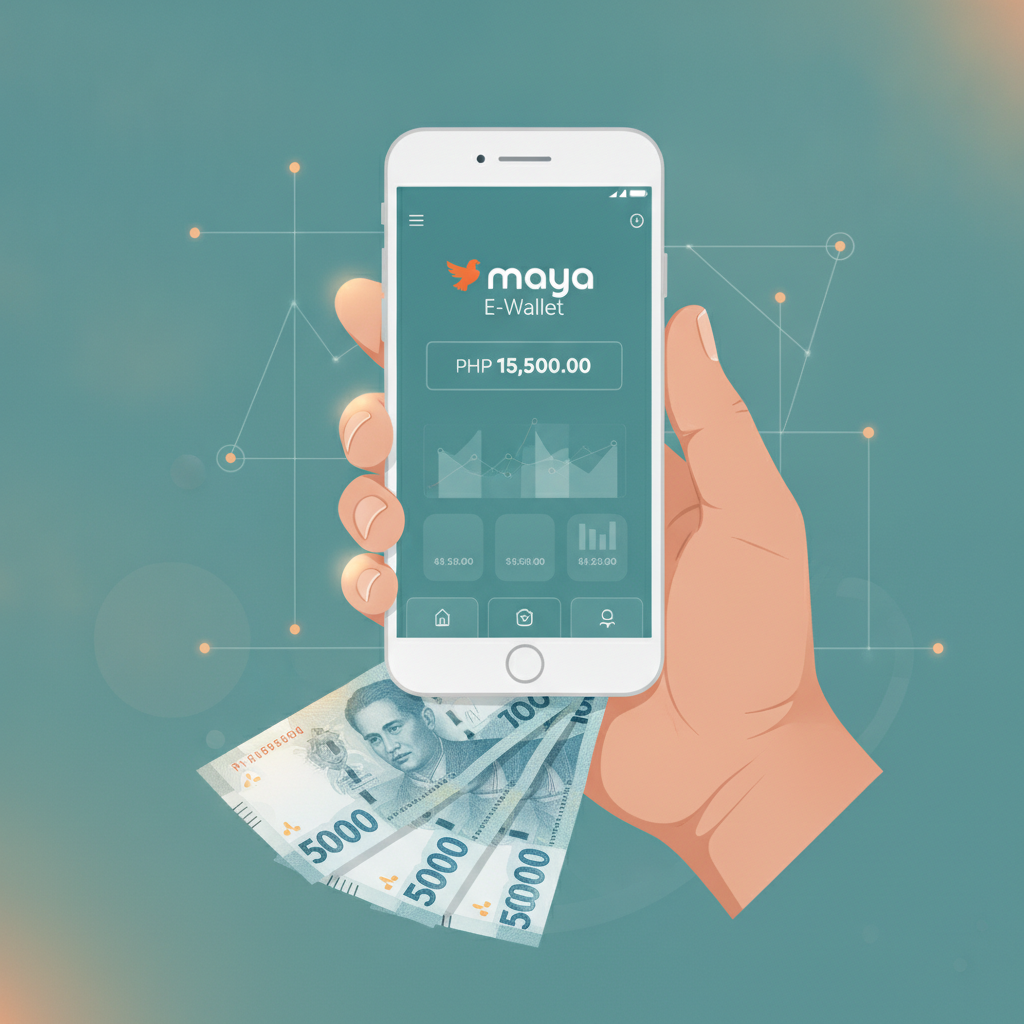
VM Blast Deposit Guide: Using Maya and InstaPay for Filipino Players
Making your first deposit on VM Blast is straightforward once you know which payment method to use and what steps to follow. This guide walks Filipino players through the most popular deposit options—Maya e-wallet, InstaPay bank transfer, and PESONet—so you can fund your account quickly and start playing slots, live dealer games, or betting on PBA and NBA matches.
Overview of Deposit Methods Available on VM Blast
VM Blast supports three main deposit channels that work well for Filipino players:
Maya e-wallet: A mobile-first option that links directly to your Maya app. Most deposits appear in your VM Blast account within minutes. Maya is widely used across Metro Manila and the provinces, making it a convenient choice if you already have the app installed on your Android phone.
InstaPay bank transfer: A real-time bank-to-bank transfer network operated by the Bangko Sentral ng Pilipinas. If your bank participates in InstaPay, you can send funds from your online banking app or mobile banking interface, and the deposit typically reflects in your VM Blast balance within a few minutes to an hour.
PESONet bank transfer: A batch-processing bank transfer system, also run by BSP. PESONet transactions are cheaper than some alternatives but slower; deposits usually post the next banking day. This method suits players who are not in a rush and prefer lower or zero transfer fees.
Each method accepts deposits starting from PHP 100, matching the typical budget of many Filipino bettors. All three options let you fund your account in pesos without needing a credit card or international payment service.
How to Deposit with Maya E-Wallet: Step-by-Step Mobile Tutorial
Maya is one of the fastest ways to load your VM Blast account. Before you begin, make sure your Maya wallet has enough balance to cover your intended deposit plus any Maya transaction fees.
Step 1: Log in to VM Blast
Open the VM Blast website on your mobile browser or through the platform's mobile-optimized interface. Tap the login button and enter your registered username and password.
Step 2: Go to the deposit or cashier section
Once logged in, look for a menu icon or a "Deposit" button—often found in the top-right corner or in the main navigation. Tap it to open the cashier page.
Step 3: Select Maya as your payment method
You'll see a list of deposit options. Tap on "Maya" or "Maya Wallet." Some platforms label it "E-Wallet" with Maya listed underneath.
Step 4: Enter the deposit amount
Type the amount you wish to deposit, keeping in mind the PHP 100 minimum. Double-check that your Maya balance covers this amount plus any applicable fees.
Step 5: Confirm and authorize in the Maya app
VM Blast will redirect you to the Maya app or a Maya web-payment page. Log in to Maya if prompted, review the transaction details, and confirm the payment. You may need to enter your Maya PIN or use biometric authentication.
Step 6: Return to VM Blast and check your balance
After authorizing the payment, you'll be redirected back to VM Blast. Refresh your account balance. Most Maya deposits appear within one to five minutes. If the funds do not show immediately, wait a few minutes and refresh again.
Maya deposits are popular among Filipino players because the process happens entirely on your phone and you receive near-instant confirmation.
Bank Transfer via InstaPay: What You Need and How Long It Takes
InstaPay is a good alternative if you prefer to send funds directly from your bank account rather than using an e-wallet. It works with most major Philippine banks, including BDO, BPI, Metrobank, UnionBank, and many rural and digital banks.
What you need
- An online or mobile banking account with a bank enrolled in InstaPay
- Your bank login credentials (username and password, or mobile banking PIN)
- The VM Blast deposit account number and account name, which will be displayed on the VM Blast cashier page when you select InstaPay
Step-by-step process
- Log in to VM Blast and navigate to the deposit or cashier section.
- Choose "InstaPay" or "Bank Transfer (InstaPay)" from the list of deposit methods.
- Note the recipient account details: VM Blast will display a bank account number and account name. Write these down or take a screenshot.
- Open your bank's mobile app or online banking portal on your phone.
- Select "Send Money" or "Transfer", then choose InstaPay as the transfer type.
- Enter the VM Blast account number and account name exactly as shown. Double-check for typos.
- Enter your deposit amount (minimum PHP 100) and confirm the transaction. Your bank may ask for a one-time PIN (OTP) sent via SMS.
- Save your transaction reference number from your bank's confirmation screen.
- Return to VM Blast and, if required, upload a screenshot of your bank receipt or enter the reference number in the cashier form.
Processing time
InstaPay transfers are designed to be real-time, meaning the funds should reach VM Blast's bank account within minutes. However, VM Blast's internal crediting process may add a short delay. In practice, most players see their deposit reflected in 5 to 60 minutes. If your deposit does not appear within an hour, check that you used the correct account details and contact VM Blast support with your transaction reference.
Fees
Your bank may charge a small InstaPay fee, typically PHP 10 to PHP 25 per transaction. Check your bank's fee schedule before sending. VM Blast itself does not usually charge a deposit fee, but verify this on the cashier page in case policies change.
Comparing Deposit Times and Minimum Amounts for Each Method
Understanding the differences between Maya, InstaPay, and PESONet can help you choose the right method for your situation.
| Method | Minimum Deposit | Typical Processing Time | Best For |
|--------|----------------|------------------------|----------|
| Maya | PHP 100 | 1–5 minutes | Players who want instant funding and already use Maya for everyday purchases |
| InstaPay | PHP 100 | 5–60 minutes | Players who prefer to send funds directly from their bank without opening a separate e-wallet app |
| PESONet | PHP 100 | Next banking day (up to 24 hours) | Players who are not in a hurry and want to minimize or avoid transfer fees |
Maya is the fastest overall. If you need to place a bet on a live PBA game or grab a seat at a live dealer table right away, Maya is your best option.
InstaPay offers a middle ground. It is nearly as fast as Maya but does not require you to pre-load an e-wallet. If you have funds sitting in your bank account and your bank supports InstaPay, you can transfer directly.
PESONet is slower but may carry lower fees depending on your bank. Use PESONet if you are depositing in advance—for example, loading your account on a Sunday evening to have funds ready by Monday.
All three methods share the same PHP 100 minimum, which aligns with the spending habits of many Filipino players who make small, regular deposits rather than large one-time transfers.
21+ Reminder and Responsible Gambling: Set Deposit Limits
VM Blast is intended for players aged 21 and over. Online gambling is restricted to adults in the Philippines, and players must verify their age during account registration.
Before making your first deposit, take a moment to think about your budget. Depositing on VM Blast is quick and convenient, but it is important to play responsibly:
- Set a deposit limit: Decide in advance how much you can afford to deposit each week or month. Many players find it helpful to treat their gambling budget the same way they budget for entertainment or dining out.
- Use built-in tools: Check if VM Blast offers deposit limit settings in your account profile or responsible gambling section. Setting a daily or weekly cap can help you stay within your budget.
- Avoid chasing losses: If you have a losing session, resist the urge to deposit more in an attempt to win back what you lost. Take a break and return when you are in a calmer mindset.
- Know when to stop: Gambling should be fun, not stressful. If you find yourself feeling anxious about deposits or spending more than you planned, it may be time to step back or seek support.
For assistance with problem gambling, contact the National Center for Mental Health or visit Gambling Therapy's website for free, confidential support in Tagalog and English.
About this guide: This site provides independent information for Filipino players interested in VM Blast. We are not affiliated with the operator. Always verify deposit instructions and limits on the VM Blast platform itself, and gamble responsibly.